

How to connect Claude to Google Sheets
There are two ways to connect Claude to Google Sheets. The difference is where you type your instructions: in a Claude chat, or in a sidebar inside the spreadsheet. Claude can do the work either way.
Which one should you use?
Method | Where you give instructions | What you install |
|---|---|---|
Autosheet MCP | In a Claude chat | Nothing — you add the Autosheet MCP to Claude |
GPT for Sheets – Autosheet add-on | In a sidebar in Google Sheets | A Google Workspace add-on |
From Claude chat: the Autosheet MCP
Autosheet MCP is an MCP server that connects Claude to your spreadsheets. Paste a sheet URL, say what you want, and the agent does it: formulas, charts, pivot tables, formatting, cleanup, and analysis. Bulk jobs like translation, categorization, enrichment, and deduplication run at up to 1,000 rows per minute. It's the same agent that powers the Autosheet add-on below.
Why work from Claude:
- Claude brings what it already has to the job: your chat context, its memory, and its other tools.
- You stay in Claude, where you were already working.
- You can work on several spreadsheets in one chat.
- Nothing is installed in Google Sheets, which helps if your domain blocks add-on installs.
Step 1: Add the Autosheet MCP in Claude
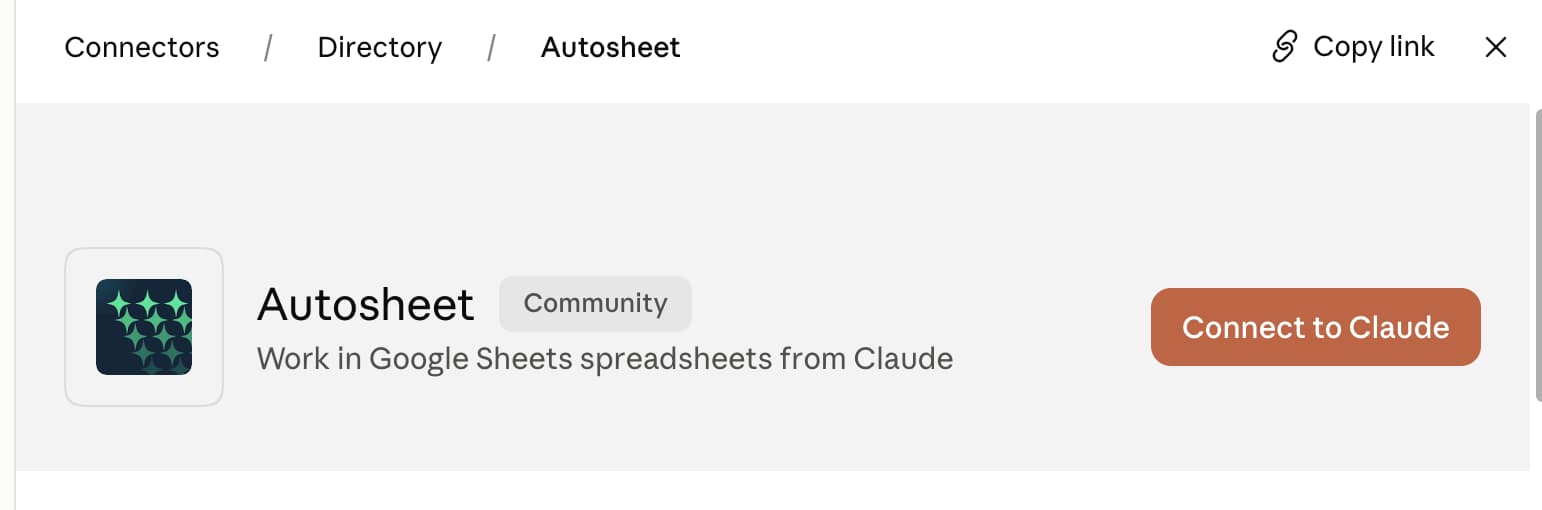
Open Autosheet in the Claude connector directory and click Connect to Claude. Claude lists MCP servers as connectors, so you can also find it in Claude under Settings → Customize → Connectors → Add → Browse connectors.
Step 2: Sign in with Google
Sign in with Google when Claude asks. You only do this once.
Step 3: Send a prompt and a sheet URL
Paste a spreadsheet URL and say what you want, for example: Fill out this table with Autosheet: <your sheet URL>
Claude starts an Autosheet agent, which works in the spreadsheet and reports back when it's done.
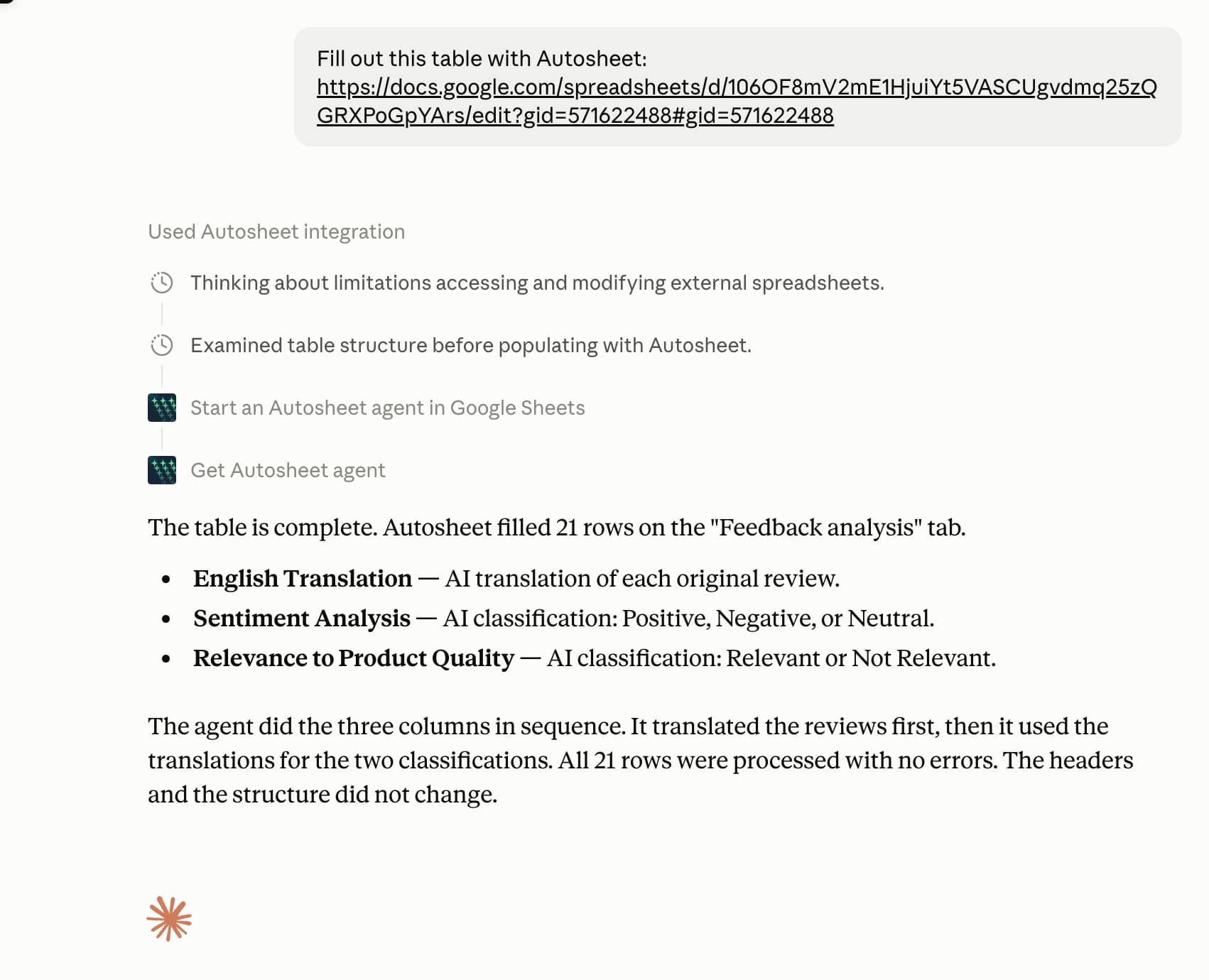
You stay in Claude the whole time. Here the agent translates 21 reviews, then classifies each one for sentiment and relevance, filling three columns in the sheet on the right:
Other ways to connect
- In a Claude organization: an owner adds Autosheet from Organization settings → Libraries & Access → Connectors. Members then connect it from Settings → Customize → Connectors.
- In Claude Code: add Autosheet as a remote MCP server: run
claude mcp add --transport http autosheet https://mcp.autosheet.com/mcp, then run/mcp, select autosheet, and choose Authenticate.
From the Google Sheets sidebar: the Autosheet add-on
The add-on puts the agent in a sidebar inside your spreadsheet. Ask it for formulas, charts, pivot tables, formatting, or analysis, and it can also work row by row across thousands of cells.
Why work in the sidebar:
- It responds faster, because there's one less step: you talk to the spreadsheet directly instead of through Claude. That helps when you change something, look at it, and change it again.
- It has GPT functions, which Autosheet MCP does not.
- For now, it gives you more control over the bulk tools and over which model runs them.
Install the add-on
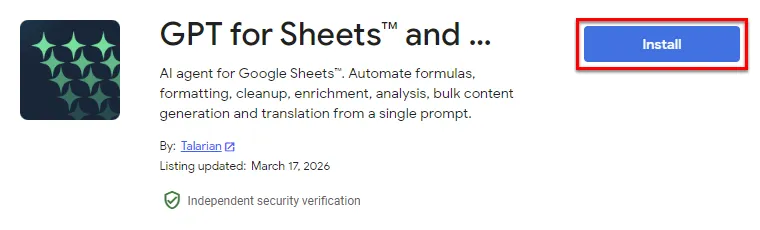
Install GPT for Sheets – Autosheet from the Google Workspace Marketplace.
Open it in a spreadsheet
In a Google spreadsheet, go to Extensions → GPT for Sheets – Autosheet → Open. The add-on opens in a sidebar with three tabs: Agent, Bulk tools, and GPT functions.
Pick a Claude model in the Agent
Select the Agent tab, then open the model switcher below the prompt box and choose a Claude model. Model selection for the agent lives inside the Agent tab, not in a switcher at the top of the sidebar, and the list you see depends on what is enabled for your space in the dashboard.
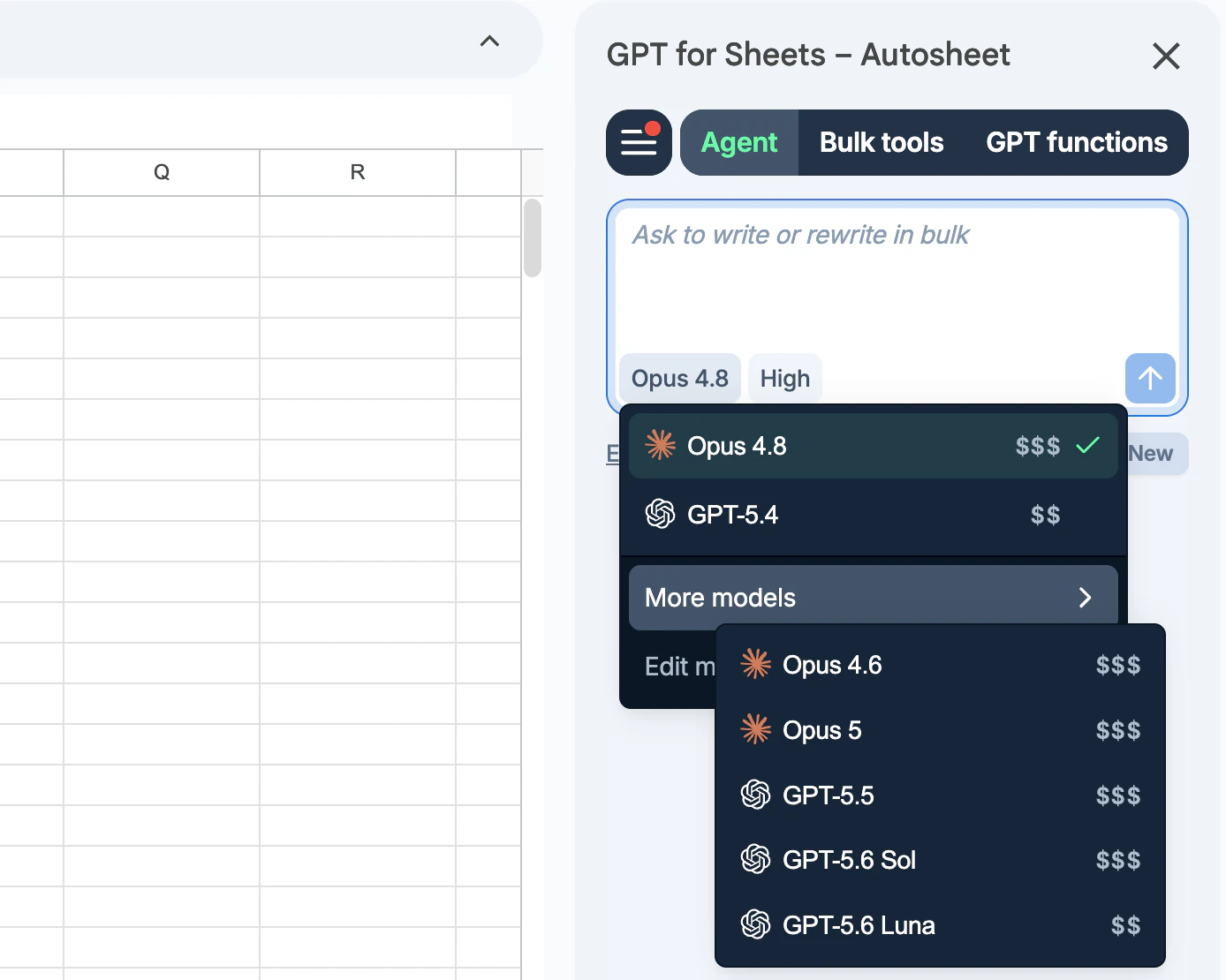
The agent runs on the latest Claude Opus models. The bulk tools and GPT functions have their own model switcher and accept a wider Claude line-up, including the faster Sonnet and Haiku models. For the current list, see AI providers and models.
Then describe what you want and the agent does it in your sheet.
Frequently asked questions
What's the difference between Autosheet MCP and the add-on?
Where you type your instructions. With Autosheet MCP you work in a Claude chat. With the add-on you work in a sidebar in the spreadsheet. The Autosheet MCP installs nothing in Google Sheets; the add-on needs a Google Workspace install. Both run the same agent, and both run on your Autosheet credits or subscription.
Does Autosheet MCP work with Excel or Google Docs?
No, Autosheet MCP is Google Sheets only. For Excel, see how to connect Claude to Excel, which uses the GPT for Excel – Autosheet add-in. The add-on installs in Google Docs as well, but the Agent is a spreadsheet feature.
Do I need an Anthropic API key?
No. Claude works through Autosheet on your credits or subscription. With the add-on you can connect your own Anthropic API key instead and pay Anthropic directly. See Autosheet pricing.
Which Claude models can I use?
Claude models are available on both routes. With Autosheet MCP you chat in Claude, so the conversation runs on whichever Claude model you picked there, and Autosheet does the spreadsheet work. In the add-on, the agent runs on the latest Claude Opus models, while the bulk tools and GPT functions accept a wider line-up, including the faster Sonnet and Haiku models. The live list is on AI providers and models, and what you can select also depends on what is enabled for your space. Connecting your own Anthropic API key unlocks additional models. For now, the add-on gives you more direct control over which model runs each task.
How much does it cost?
Both are free to try: your Autosheet account starts with free credits, no card required. After that it's a monthly subscription (from $25 per month, with included usage; extra-usage credits available); each task uses credits based on its complexity and the model you choose. See pricing.
Why use this instead of Anthropic's own add-in?
Anthropic's own spreadsheet add-ins run Claude and nothing else, and they need either a paid Claude plan or your own API key. Autosheet needs neither. It runs Claude and ChatGPT side by side in one add-on, across both Google Sheets and Excel, so you can pick the model per task without switching tools. It is also built for volume rather than one workbook at a time, running a single prompt down a whole column at up to 1,000 rows per minute and up to 200,000 rows in one run.
Add the Autosheet MCP to Claude
GPT for Sheets – Autosheet user guide