
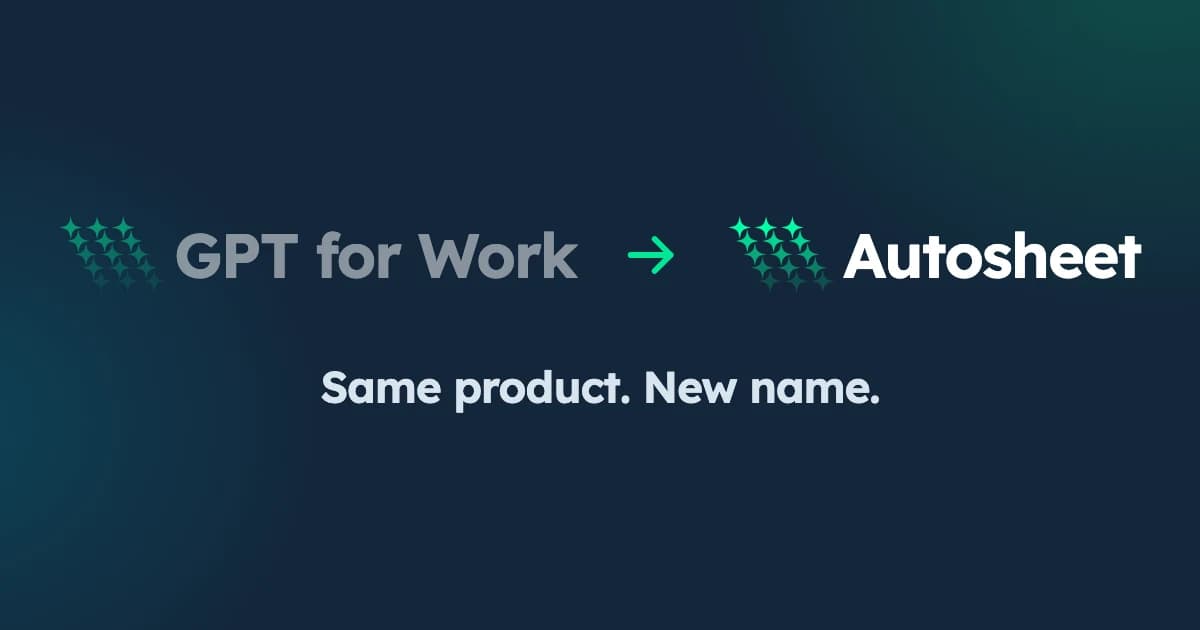
GPT for Work is now Autosheet
GPT for Work is now Autosheet. It is the same product, built by the same team at Talarian: an AI agent that works inside Google Sheets and Microsoft Excel. The website moved to autosheet.com, and the add-ons took their first new names. Your account, your plan and your add-on stay the same.
Why we're changing the name
In early 2023, we launched GPT for Sheets to bring ChatGPT into every cell of Google Sheets, with a =GPT function. Drag one prompt down a column, and you could ask the same question about thousands of rows at once, instead of one by one in a chat. It grew so fast that Microsoft encouraged us to build GPT for Excel. We also built add-ons for Google Docs and Microsoft Word, so the two installs became GPT for Sheets and Docs and GPT for Excel Word, and the website became gptforwork.com.
We quickly noticed that our spreadsheet products were the ones bringing the most value to our users, with our bulk processing tools saving our customers countless hours of grunt work. As LLMs became better, we transformed our product into an agent: you describe what you need in plain language, and the agent writes and fixes formulas, cleans data, builds charts and pivot tables, analyzes your data, and of course it can still crunch through hundreds of thousands of rows with our bulk processing tools.
"GPT for Work" no longer describes that product. It's an agent for spreadsheets, and it runs on models from several AI providers, not only OpenAI's GPT.
Autosheet automates your spreadsheet work: you say what you need in Google Sheets or Excel, and an Autosheet agent does it. We started using the name for our MCP server, to publish it in the Claude connector directory and in ChatGPT's. Now the website and the add-ons take it too.
How the add-on names change
The add-ons are renamed in three steps. The first step came with the move to autosheet.com. The next two steps follow later. Until the last step, each name keeps the one you know next to the new one, so you can still find your add-on.
Original name | Step 1 | Step 2 | Final name |
|---|---|---|---|
GPT for Sheets and Docs | GPT for Sheets – Autosheet | Autosheet – GPT for Sheets | Autosheet |
GPT for Excel Word | GPT for Excel – Autosheet | Autosheet – GPT for Excel | Autosheet |
GPT for Docs and GPT for Word stay available inside the renamed add-ons.
What changes for you
- Nothing to reinstall. The add-on you have installed is renamed in place.
- Same account, plan and billing. Your spaces, your plan and its price stay the same. Invoices issued after the rename show the new product names.
- New website. autosheet.com is our website. The pages of gptforwork.com, including the documentation, moved there.
- Your links keep working. Links and bookmarks to gptforwork.com pages, including the documentation, redirect to the same page on autosheet.com.
- New dashboard address. The dashboard moves from dashboard.gptforwork.com to dashboard.autosheet.com.
- New support address. The support request form moves from support.gptforwork.com to support.autosheet.com.
- Updated social accounts. Our existing social accounts moved to Autosheet branding on October 23, 2026. Follow us on LinkedIn, X, YouTube, Instagram, TikTok and Facebook.
- Review profiles. Updates to our Trustpilot and G2 profiles are still in progress.
For admins and developers
- Same vendor. Talarian still builds and sells the product, so your contracts, security reviews and data processing agreement are with the same company.
- Same add-ons. The add-ons are renamed in place and keep their marketplace listings, so allowlists in the Google Workspace and Microsoft 365 admin consoles keep working.
- New domains to allow. If your network or proxy only allows listed domains, add autosheet.com and its subdomains, such as dashboard.autosheet.com.
- Same MCP server. Autosheet's MCP server stays at
https://mcp.autosheet.com/mcp.